Adding multiple partners via CSV upload
You can add and edit multiple partners. Simply download this template, fill-in your partners' data, and login into your account at app.mortgagechampions.com to upload.
Correctly inputting your partners' potential and health metrics
In the template, you'll see columns for your partnerships' potential (Their Business, Future Referrals, Future Volume) and health (Communication, Time & Attention, and Promotion).
For each of those columns, input a value from 1-5 where 1 always means low or poor, and 5 means high or great.
Example: If a partnership does not require a lot of time or attention, input 5—not 1.
Steps for adding partners via CSV
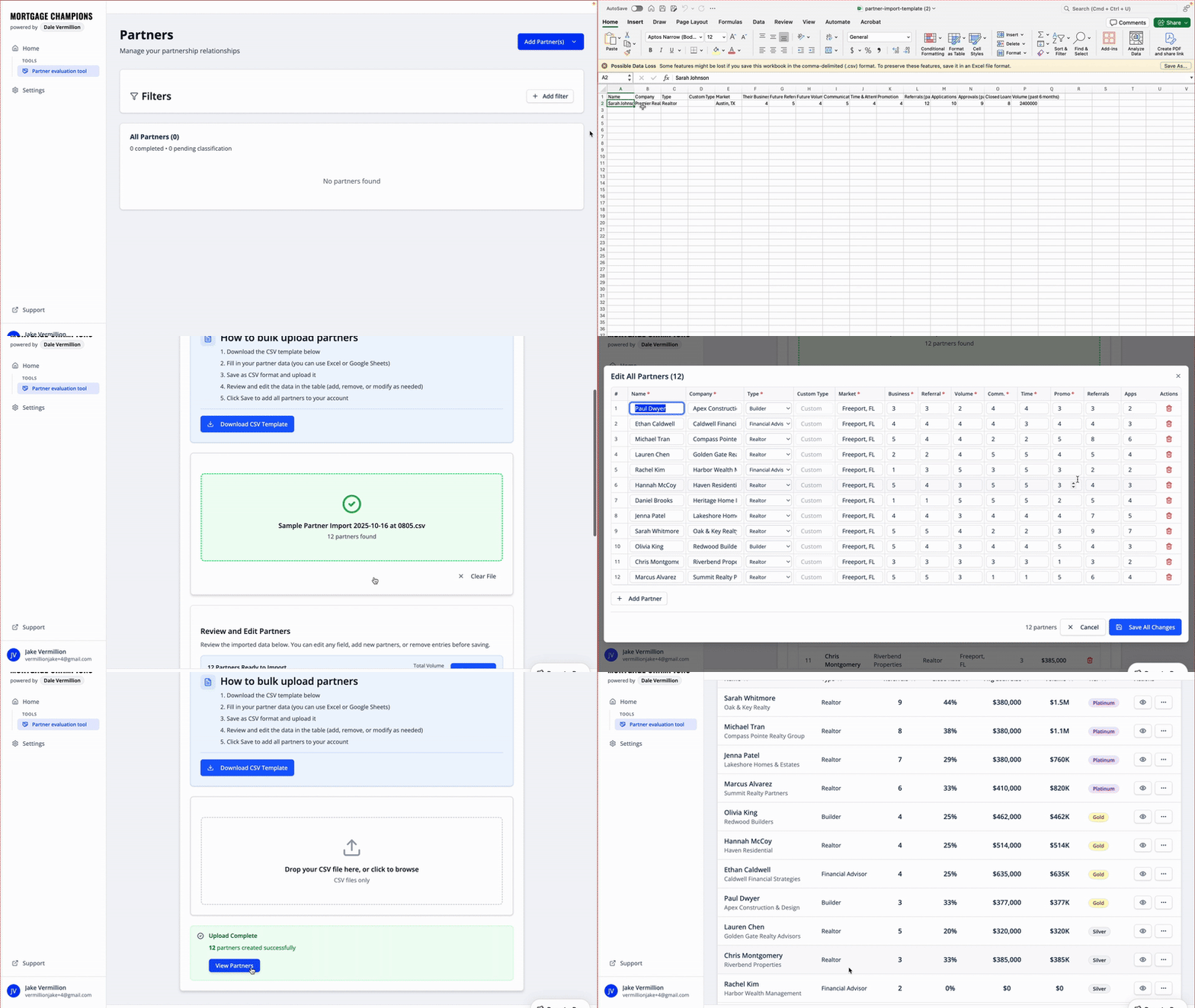
Start by selecting Bulk Upload from the Add Partner(s) button in the top right hand corner.
Click the Download CSV Template button and correctly input your partners data.
The template will download, open that on your computer
Add your partners' names, companies, types (details below), and market (e.g., Austin, TX)
Assign your partners of 1-5 for for their potential and partnership health (details below)
Add 6 months of performance data for each of your partnerships
Tips for inputting partner data correctly
Partner types
Default partner types
Realtor
Builder
Financial Advisor
CPA
Attorney
Property Manager
Investor
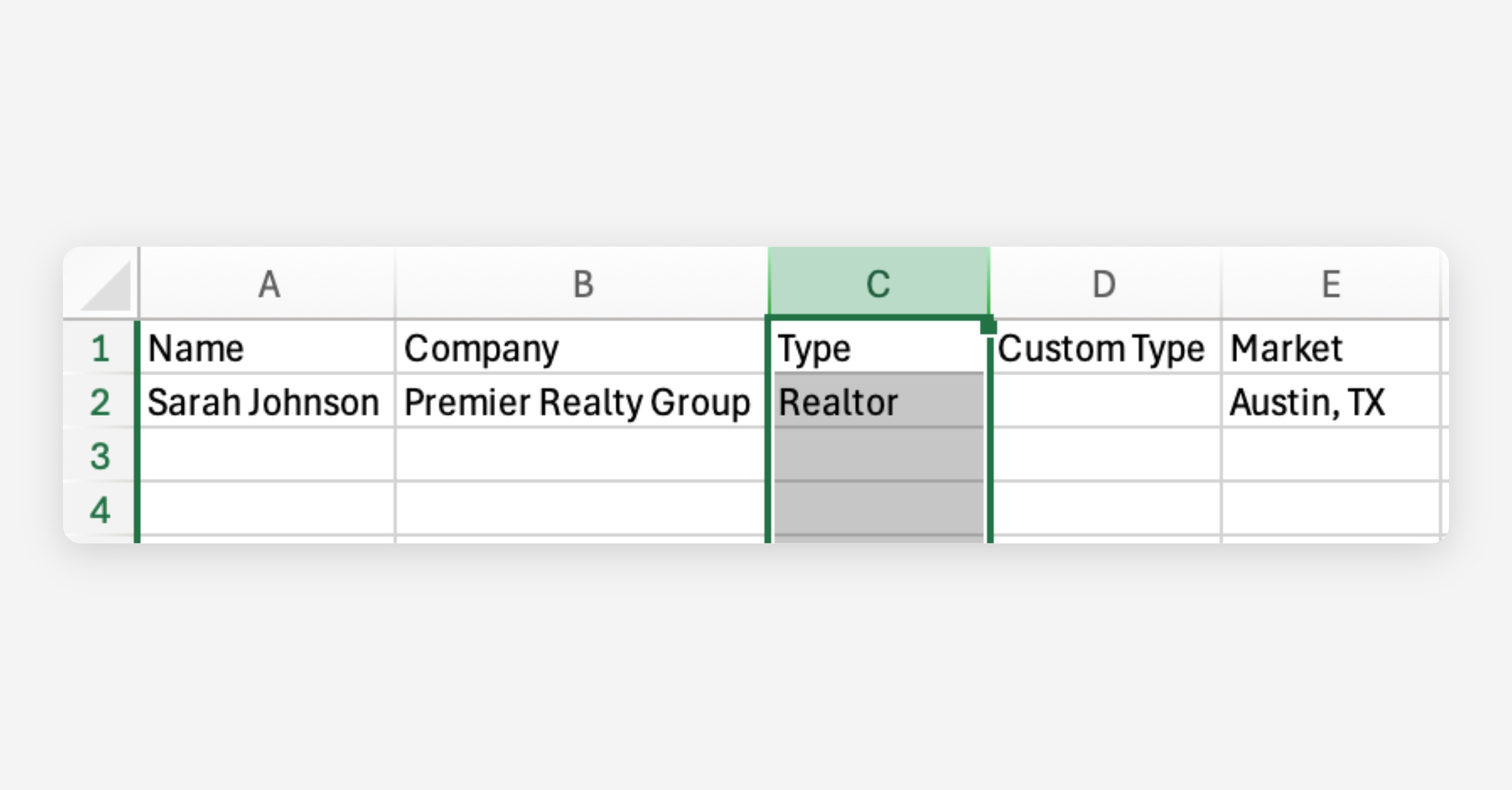
Enter one of the above into the Type column
⚠️ For default partner types, leave the Custom Type column blank
Other partner types
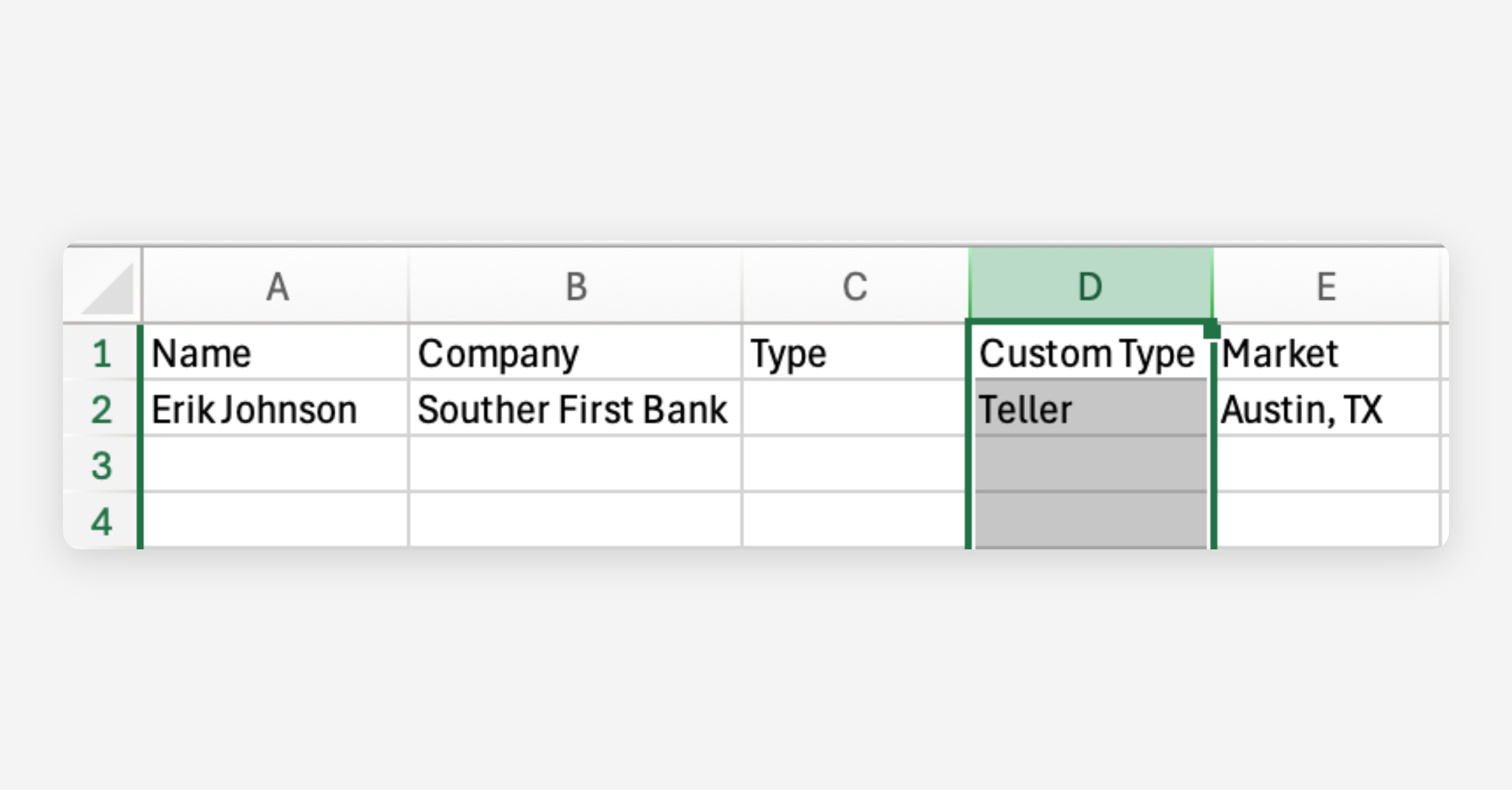
⚠️ For custom partner types, leave the Type column blank
If you want to use a custom partner type (e.g., Teller, South Bend Branch, Highway Realty, etc.), enter your custom label into the Custom Type column.
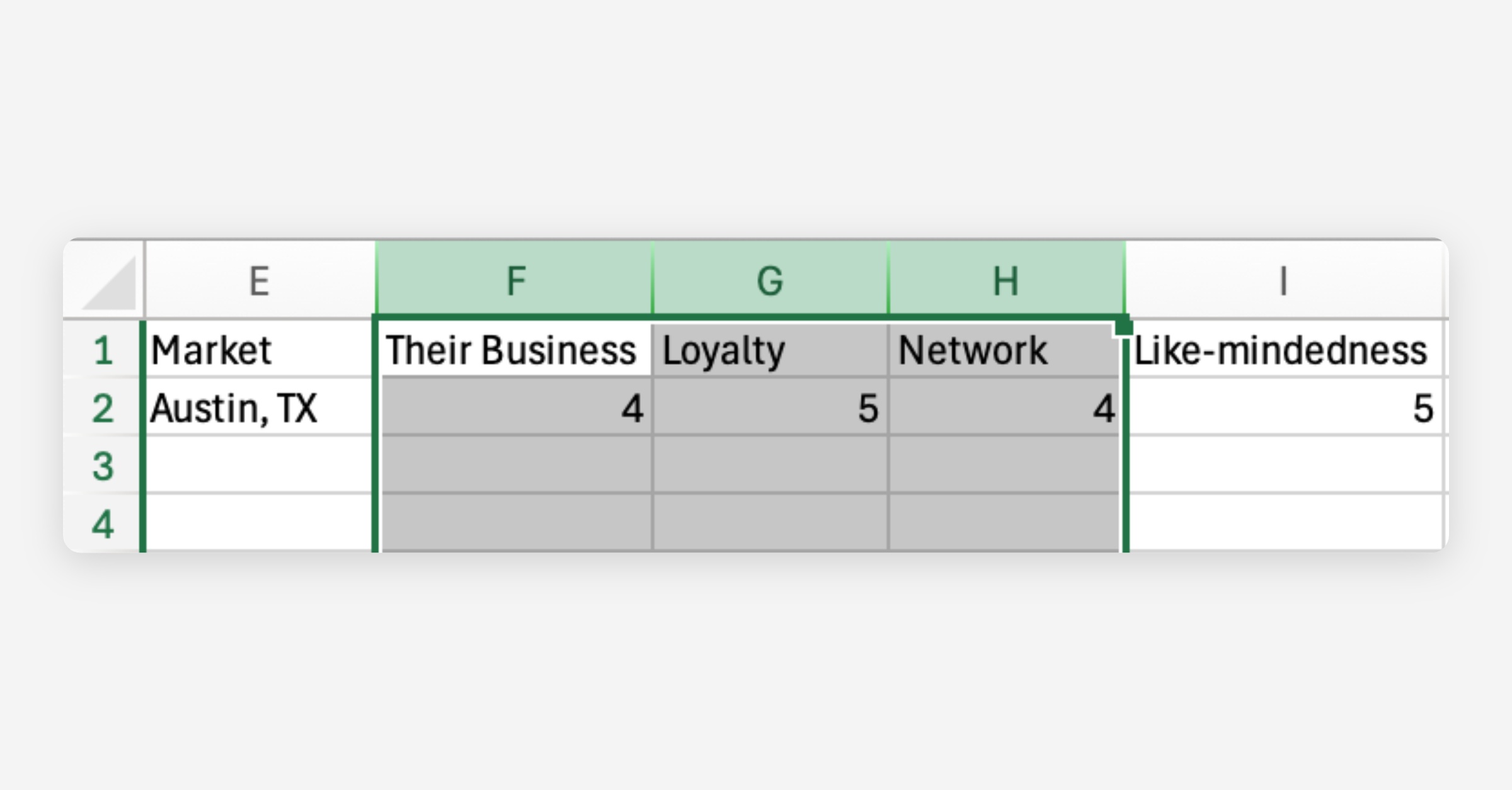
Partnership potential
Input a value that reflects how you feel about each partnerships' potential for:
Their Business (how much business you see this partner doing in the future)
1 = Less
3 = The same
5 = More
Loyalty (how loyal this partner is to you versus other lenders)
1 = Not loyal
3 = Somewhat loyal
5 = Very loyal
Network (how many agents, builders, or other referral partners they know)
1 = Small
3 = Medium
5 = Large
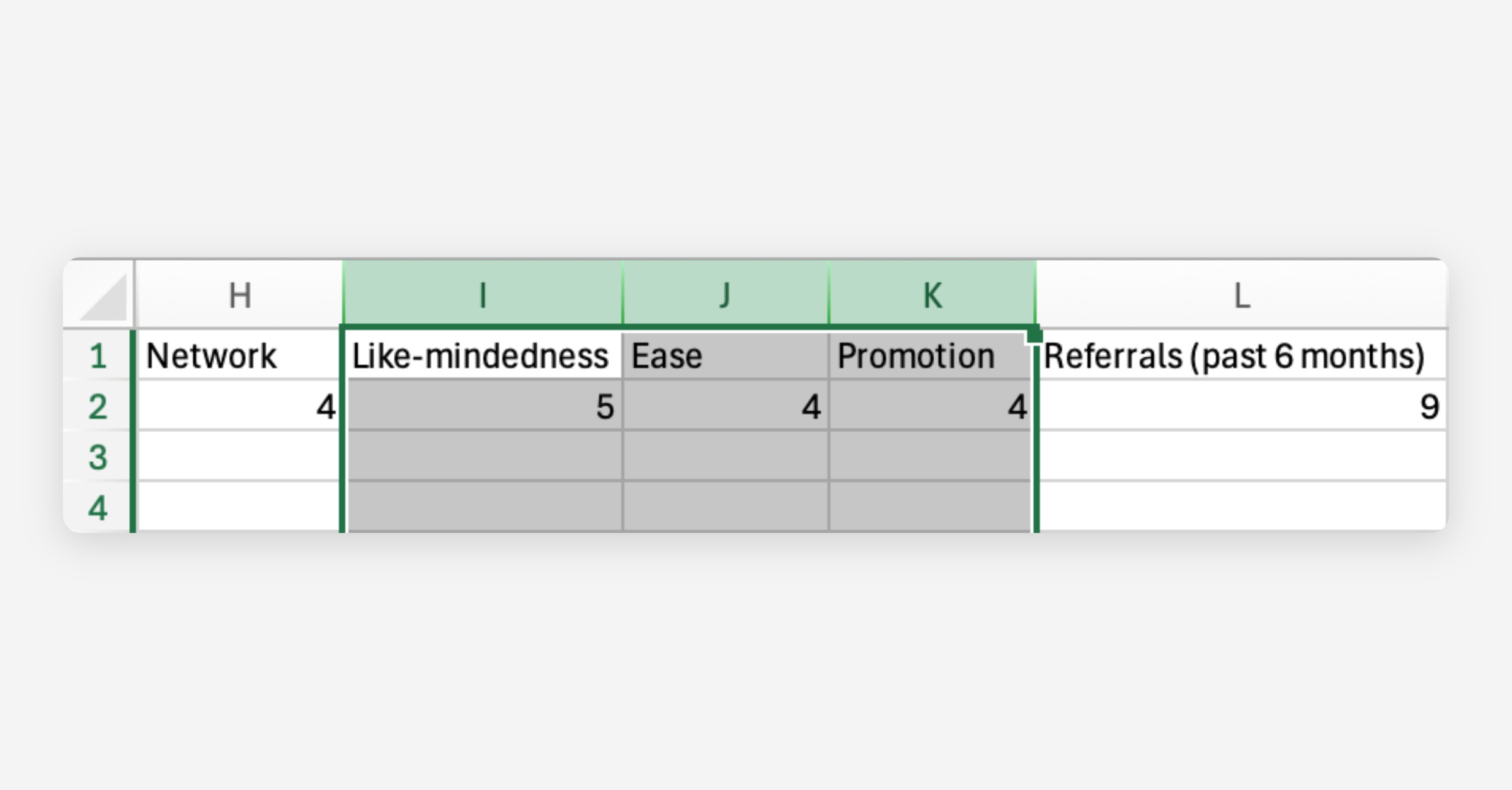
Partnership health
Input a value that reflects how you feel about each partnerships' potential for:
Like-mindedness (how aligned you are on prioritizing service over price)
1 = Not aligned
3 = Somewhat aligned
5 = Very aligned
Ease (how easy it is to work with this partner)
1 = Difficult
3 = Moderate
5 = Very easy
Promotion (how much does this partner promote your business)
1 = Almost never
3 = Sometimes
5 = All the time
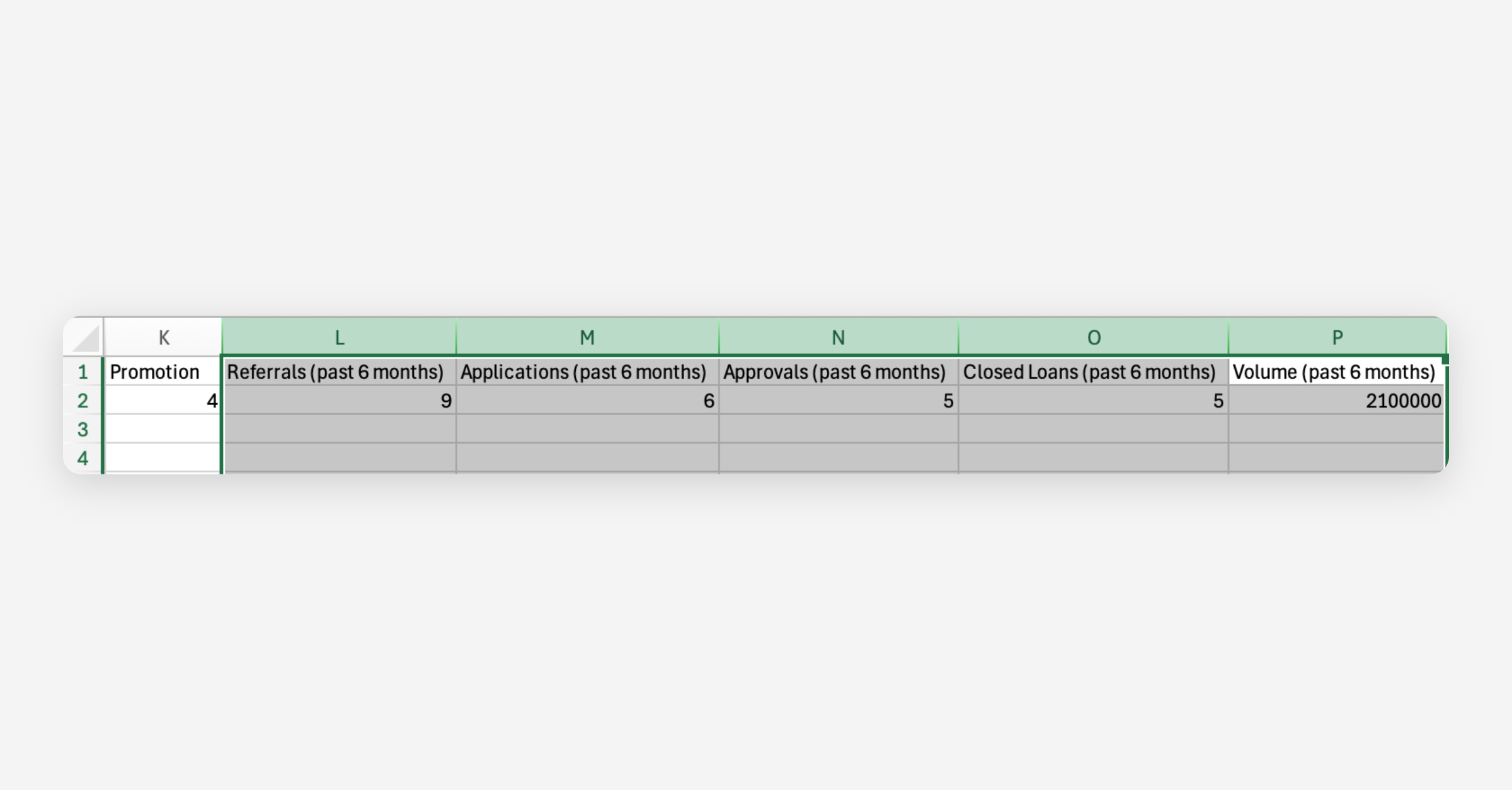
Partnership performance
⚠️ Do NOT include $ symbols when inputting volume (enter 920000 not $920,000)
Input performance data from the last 6 months for each of your partnerships:
Referrals (number of referrals received)
Applications (number of applications submitted off those referrals)
Approvals (number of applications that were ultimately approved)
Closed Loans (number of approvals that ultimately closed)
Volume (volume funded from those closed loans)
Review and edit as needed
To edit your partner data before importing, select the Edit All button.
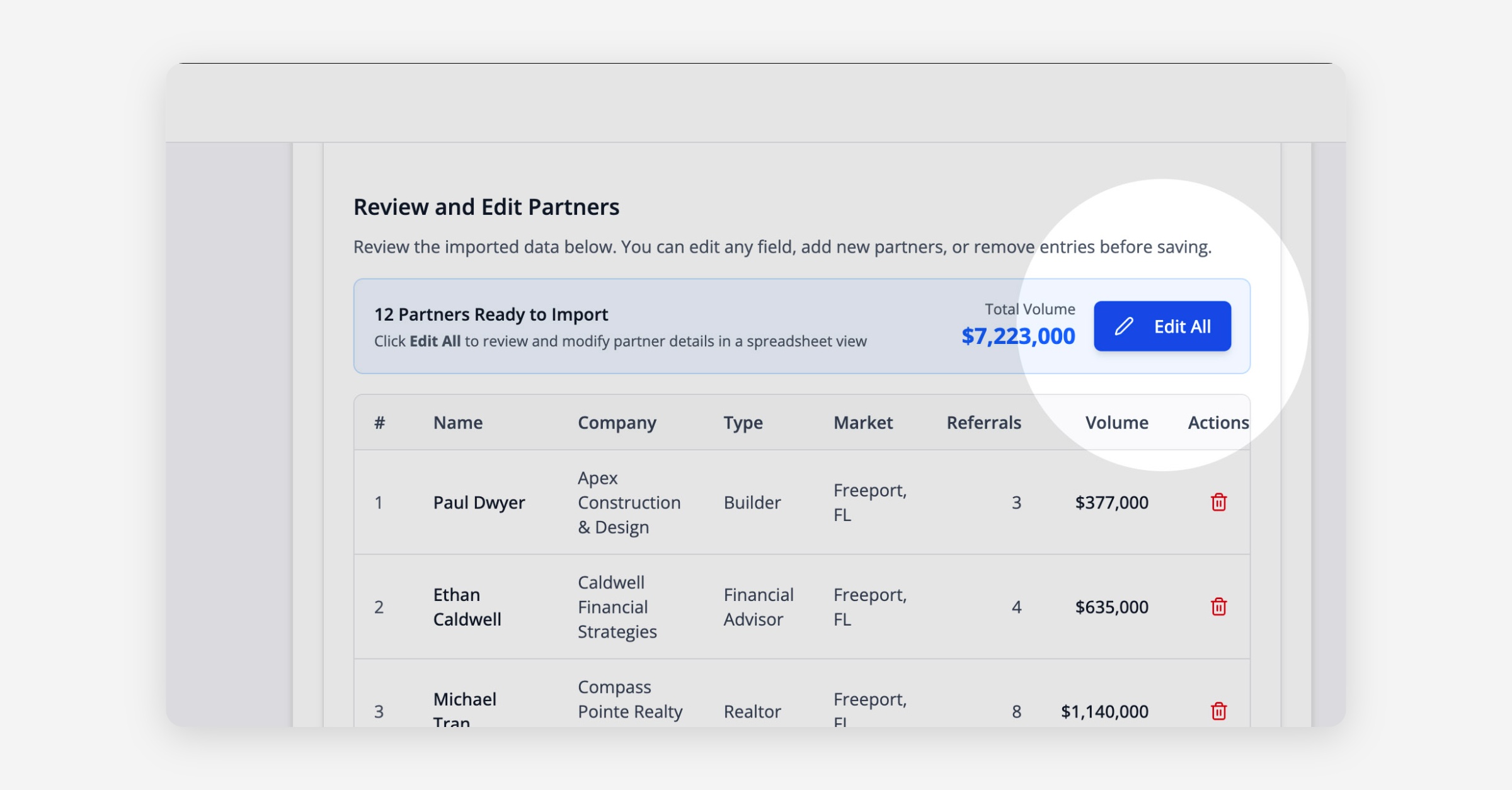
Use the provided screen to edit your partners as needed before import.
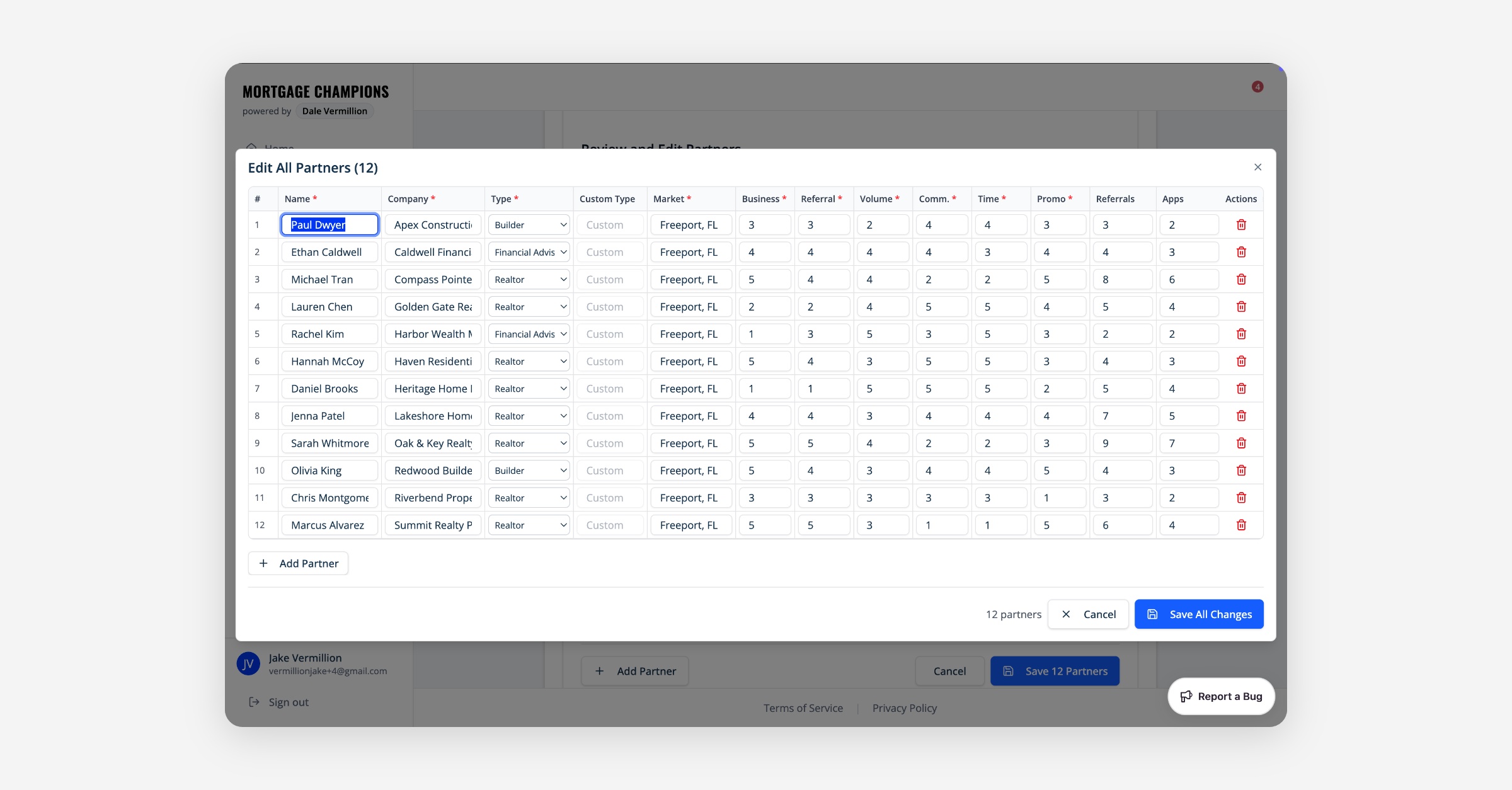
Click the Save All Changes button, and then click the Save () Partners button.
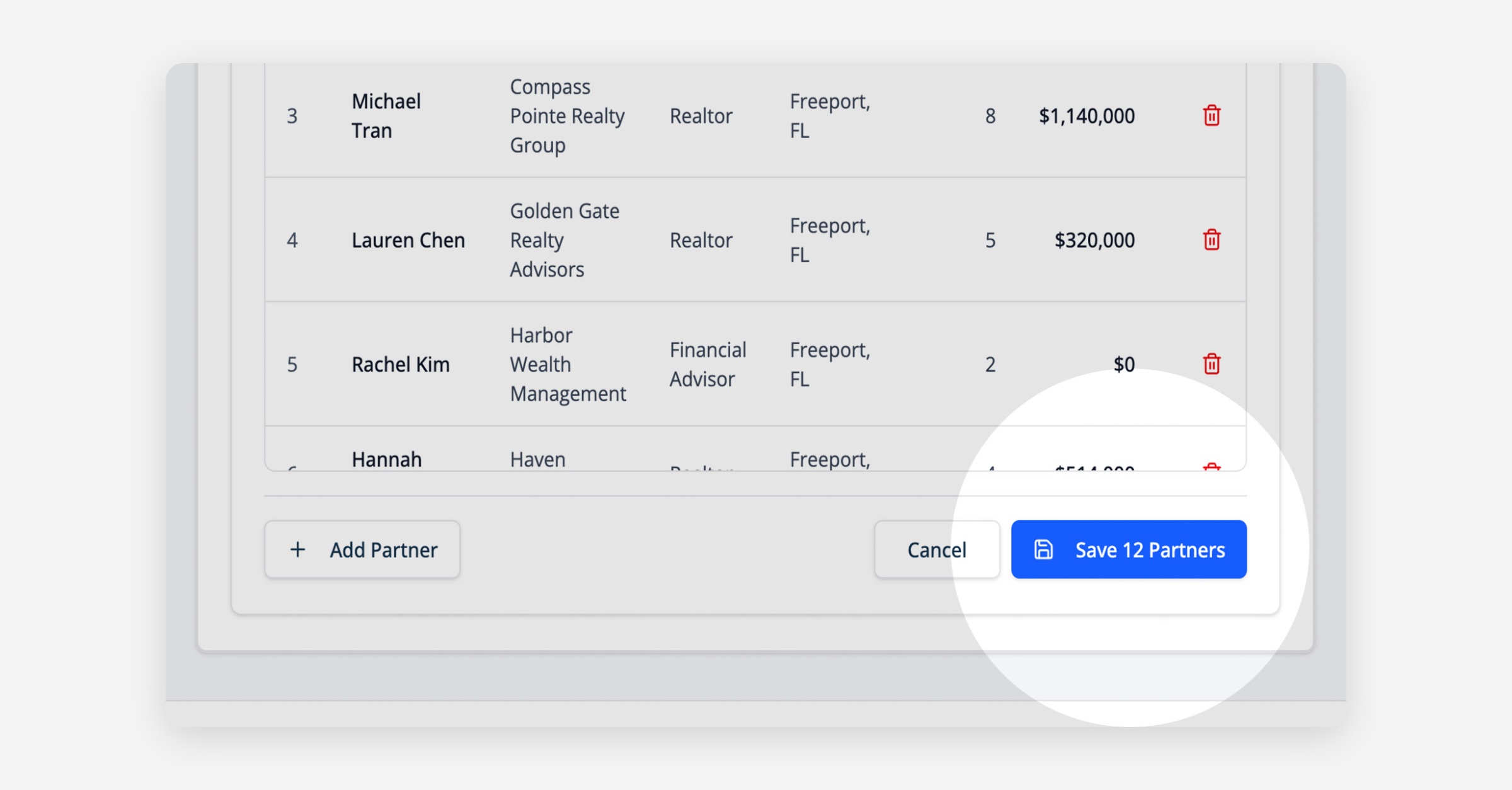
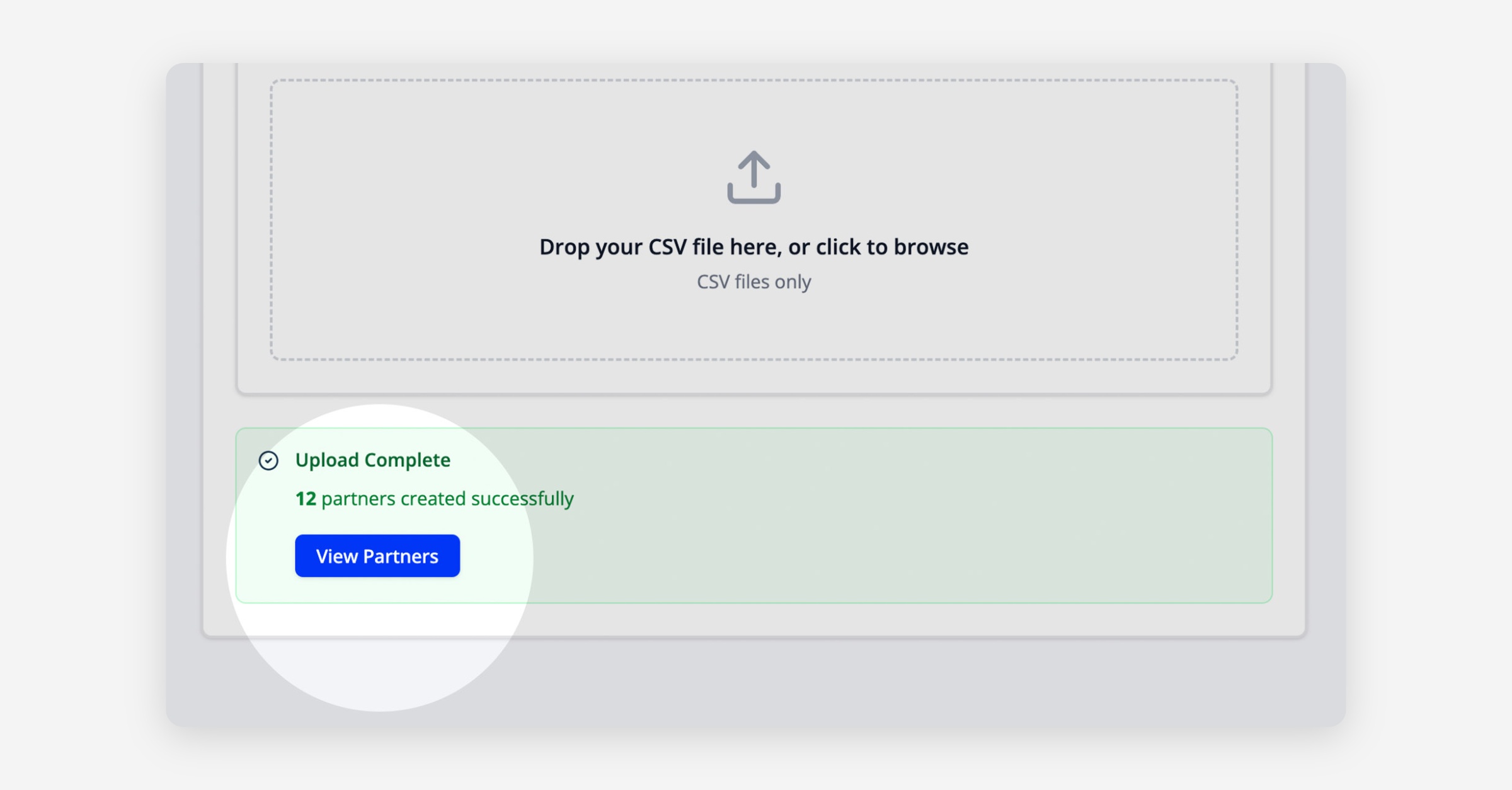
Once saved, you can then click the View Partners button to see how each ranks based on our proprietary evaluation model.